


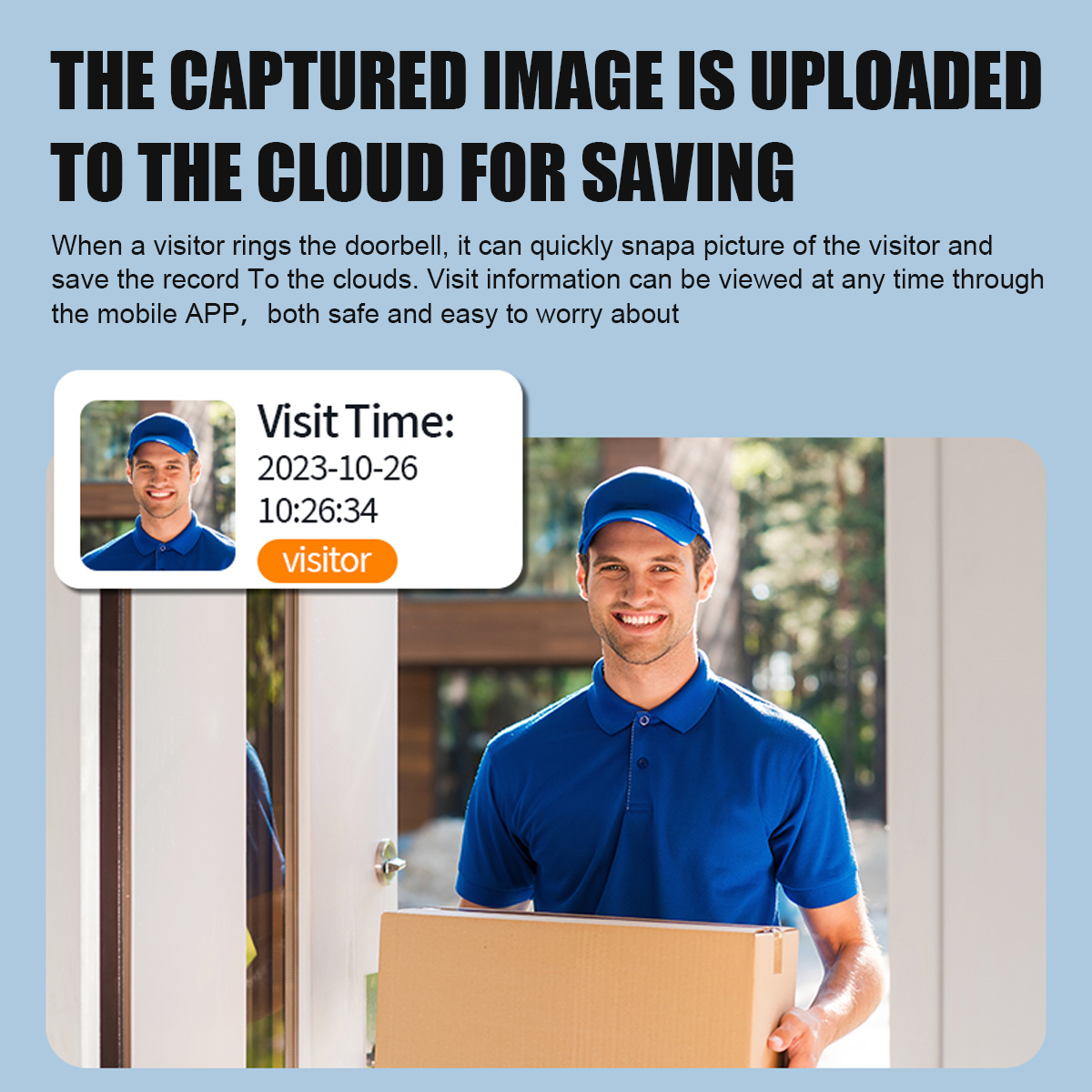
Features:
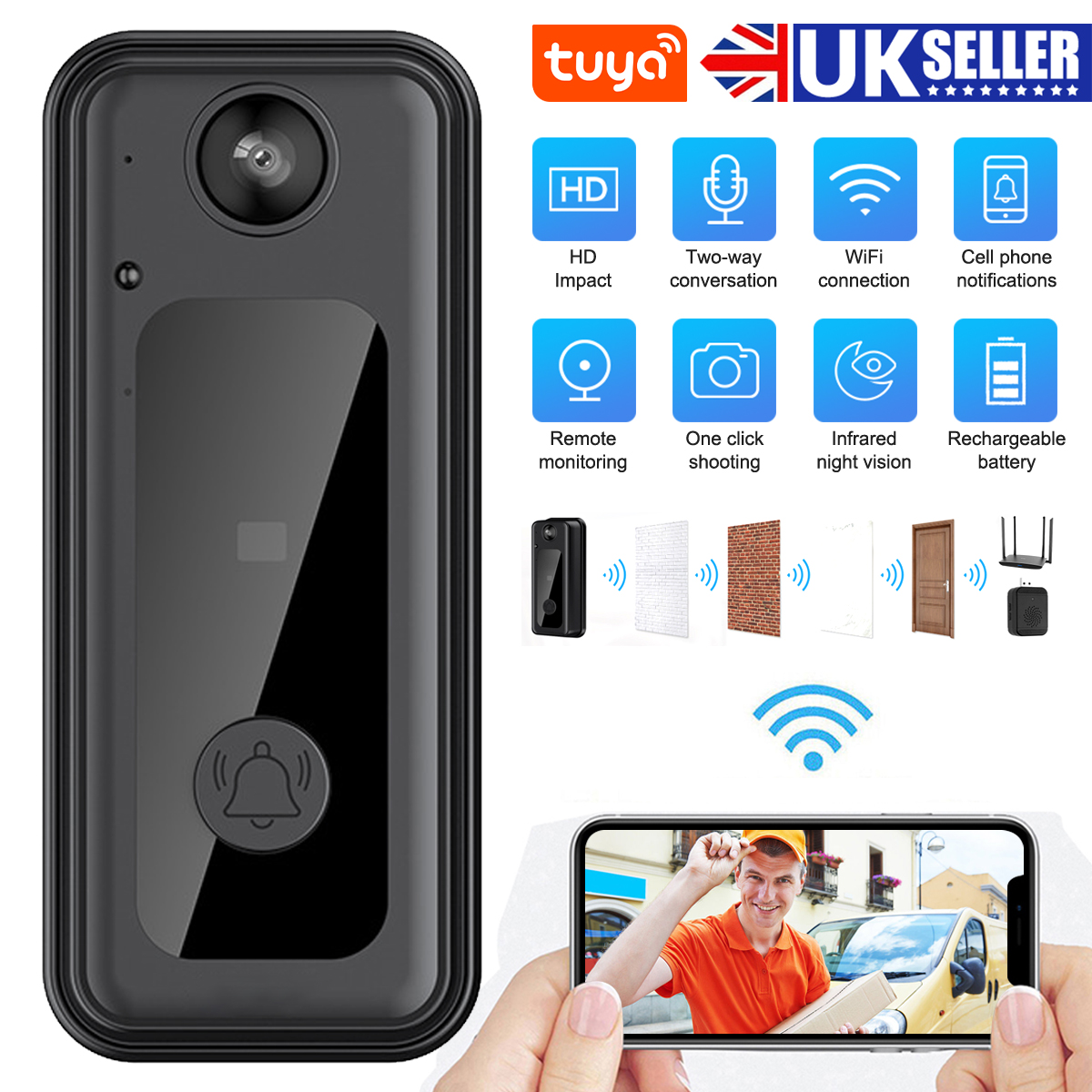
1.1000mah battery capacity.
2.Million HD pixels collocated with 125 degree wide-angle lens
3.Support mobile phone remote fast wake up device within 1 second.
4.2.4G Wi-Fi connection
5.High quality two-way talk with noise cancellation
6.Day and night mode automatic switching, whether day or night, the image isclearly visible, for your safety and family security.
7.Support“ULooka”APP.More Stable To Connect And Work.
Specification
Item model number: M3
Remote Monitoring Solution Broadcom/BK
Lens 0328: Angle 125 degrees
Battery model: 1000 mAh, 2 months of permanent battery life
Power input: 5V-2A
Human body induction: optional
Storage function: TF card (maximum support 64G, not included)
Voice system: two-way intercom/mobile phone remote prompt view
Recording range: 5m
Wireless connection: WIFI IEEE802 11b/g/n 24GHz, rf 433MHz
System support: Android4 3 or ios9.0 or above
USB interface: MCRO-Mike 5P/DC5V-1A
Product size: 106*45*24mm
Installation steps:
The doorbell base should be fixed on the wall, door, etc. The purpose of the film is to fix the doorbell base, if the screws can be drilled, the installation will be more secure than the film. [Install the lower end of the large hole on the backplane of the base, and install the holes facing upwards, please do not install the screws facing upwards when installing]
When installing the doorbell, first clamp the lower end of the large hole, and then press the doorbell in place and can be used.
Matching steps:
1. First plug in the Jingle and click whether the doorbell Jingle will ring.
2. Scan the code manual and download the APP, and then register the account.
3. Turn on the Bluetooth of the mobile phone, enter the APP and click Add device, click Search to add the device automatically, and click bind when the doorbell appears.
4. After it is successfully added, it is ready to use.
5. The doorbell supports TF card, up to 64G, does not include memory card, installed under the rubber pad behind the doorbell.
6. Note: Jingle bell power, Jingle bell does not ring, please re-pair it, first dial the Jingle bell and then plug it in, press the function key on Jingle bell, see the prompt light flashing, press the doorbell, Jingle bell rings when the doorbell is successfully paired.
Product list:
1*smart doorbell
1*ding dong
1*USB cable
1*manual

